|
Ecrit le: 19/02/2013 05:05
|
|
You can now add screenshots on any page of the database (Item, spell, zone, npc, tradeskill). Any contribution can be helpful to other players, so don’t hesitate to add as many screenshots as you want!
Few samples already live: , , .
We also added a new Screenshots page, accessible from the left menu of the website to see the most recent screenshots.
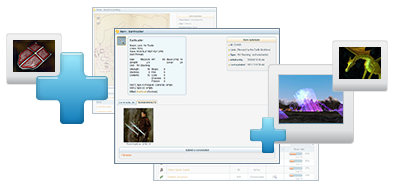
How to add a screenshot:
- First, remember you can press the F10 key to hide your in-game UI before taking a screenshot.
- Then, go on the Magelo database page you wish to illustrate
- Open the “Screenshots” tab and click the “Browse” link
- Select the image on your computer, use our crop tool to focus on a specific part of the image, and click the “Save” button.
- Your screenshot will be reviewed by the Magelo team and, upon approval, visible by all.
Have fun and thank you for your contributions. 
|

